

Availability: Autopilot is a Beta feature available on Enterprise and Cloud Pro plans only.
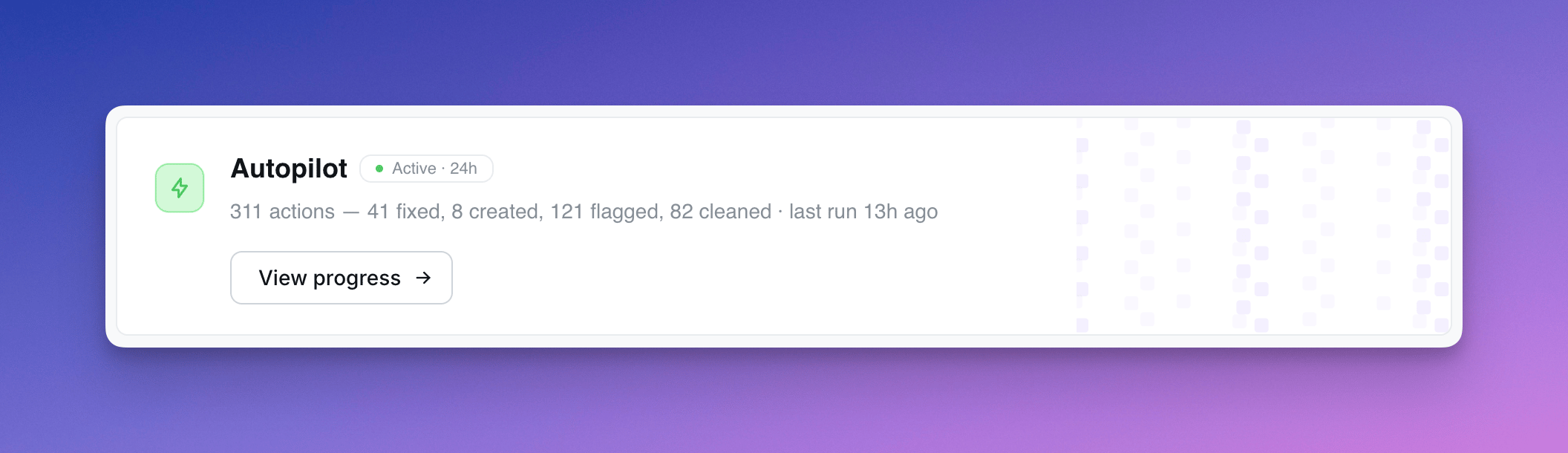
What Autopilot does
Each run, Autopilot works through a fixed checklist:
Every action is recorded in the activity log with a description of why Autopilot did it.
Action types
Each row in the activity log is tagged with one of:- Auto-fixed — broken chart Autopilot fixed itself
- Cleaned up — content soft-deleted (admins can restore)
- Suggested — new chart drafted for review
- Flagged stale / broken / slow — recorded for review; future runs may escalate (e.g. soft-delete a stale flag that’s been ignored for 24h+)
- Insight — observation about popular content
Safety rules
Autopilot is conservative by default:- Never touches content less than 30 days old
- Never soft-deletes a chart that’s the only chart on a dashboard
- Never modifies content it created itself (slugs prefixed
agent-) - Prefers flagging over deleting when in doubt
- Soft-delete only — admins can restore from the trash
- Reverses its own actions if it detects a mistake on the next run
Setup
Autopilot is configured per project from the project Home page. Schedule — choose how often it runs (every 6 hours, daily, etc.). Permissions — three capability toggles:- Read content (always on) — reads project health signals, recent actions, and chart definitions
- Create content — drafts new chart suggestions in the “Agent Suggestions” space
- Modify existing content — soft-deletes stale content, fixes broken charts, reverses its own past actions
Autopilot assumes the role of the user who set it up — every action it takes runs with that user’s permissions and is attributed to them.
Reviewing activity
The Autopilot activity page shows every action across runs, with a sidebar that surfaces:- Affected chart or dashboard context (space, last modified, views, verification status)
- Validation error details for broken content
- Execution time for slow queries
- Chart-as-code definition for suggested charts
- Autopilot’s reasoning for the action
Only users with Developer or Admin project access can view Autopilot’s activity log.